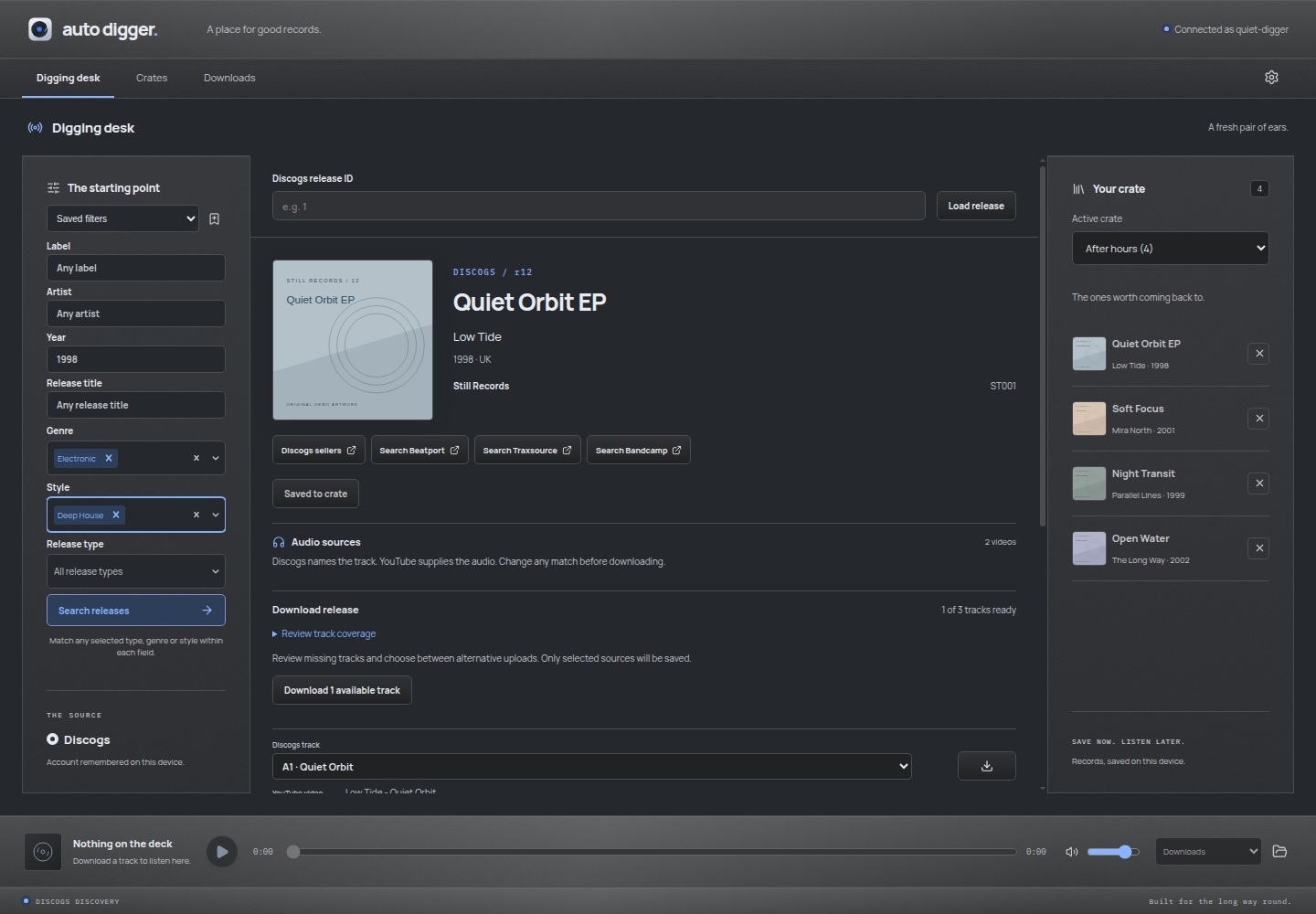
Filter by label, artist, year or range, genre, style and release type. Save filters
for later or choose a random match.
Audio
Download available YouTube sources with Discogs tags and artwork, then play them
locally.
Soulseek
Choose Soulseek in Audio sources to find audio through your slskd instance. Refine the
search, compare public matches and save a file into your Auto Digger library.
Set up Soulseek.
Similar tracks
Follow a track to recommendations from Cosine Club. Preview suggestions and open
linked Discogs releases to keep digging. Set up recommendations.
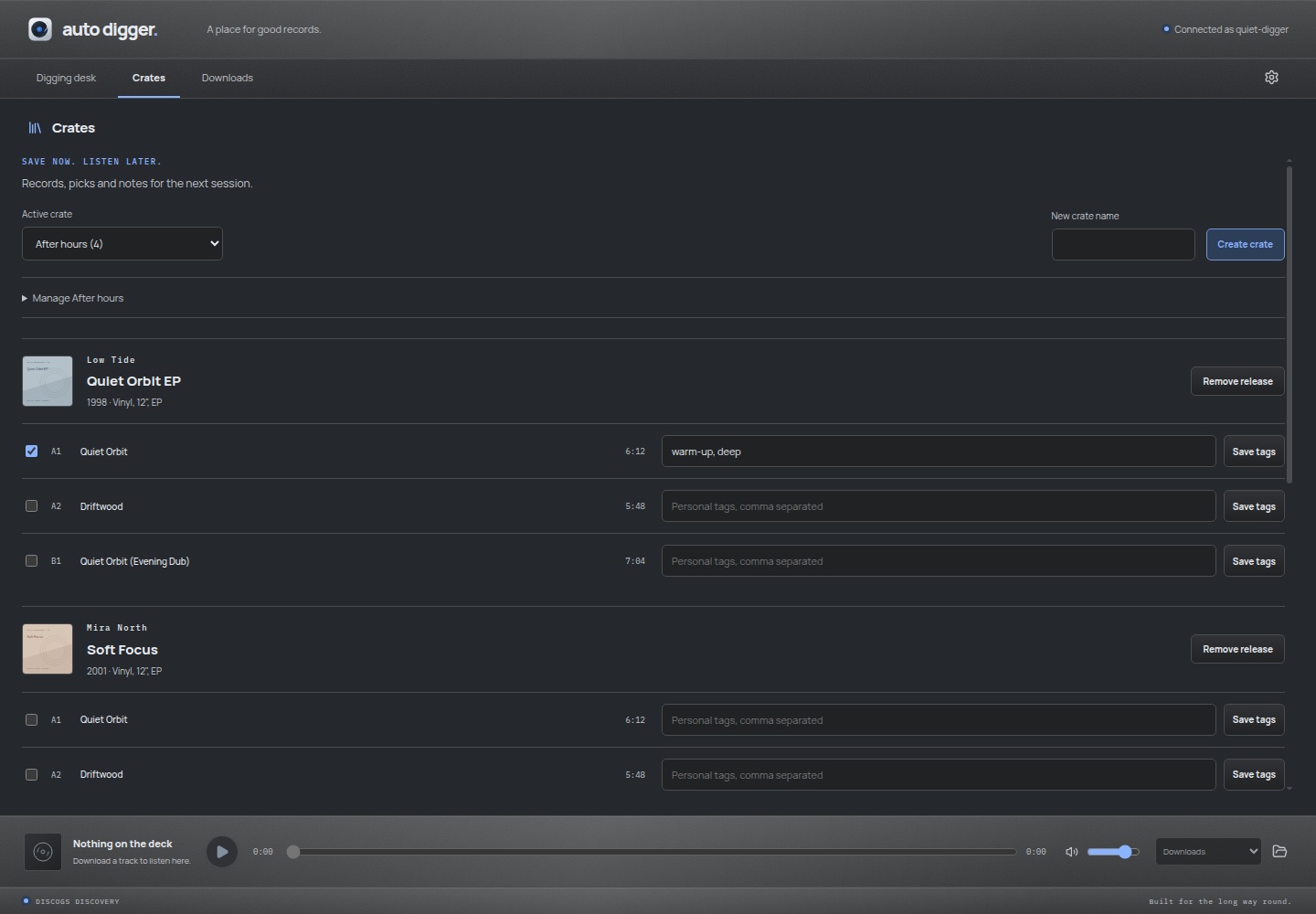
Crates
Save releases in named crates with track picks and personal tags. Search downloaded
tracks and open their folders.
Appearance
Six materials, seven accents and light or dark mode. Organise new downloads with
source, genre, year, label, artist and release folder placeholders.
Mix research with MCP
Connect an MCP client such as Claude or Codex for mix research. Your client can research
a mix, search Discogs and add the releases to a crate, with matching track picks, source
links, tags and unresolved candidates.
Enable Auto Digger MCP in Settings. Install the Claude extension or connect Codex. The
app must stay open. Your client handles the research; Auto Digger provides the Discogs
and crate tools.
 Auto Digger